
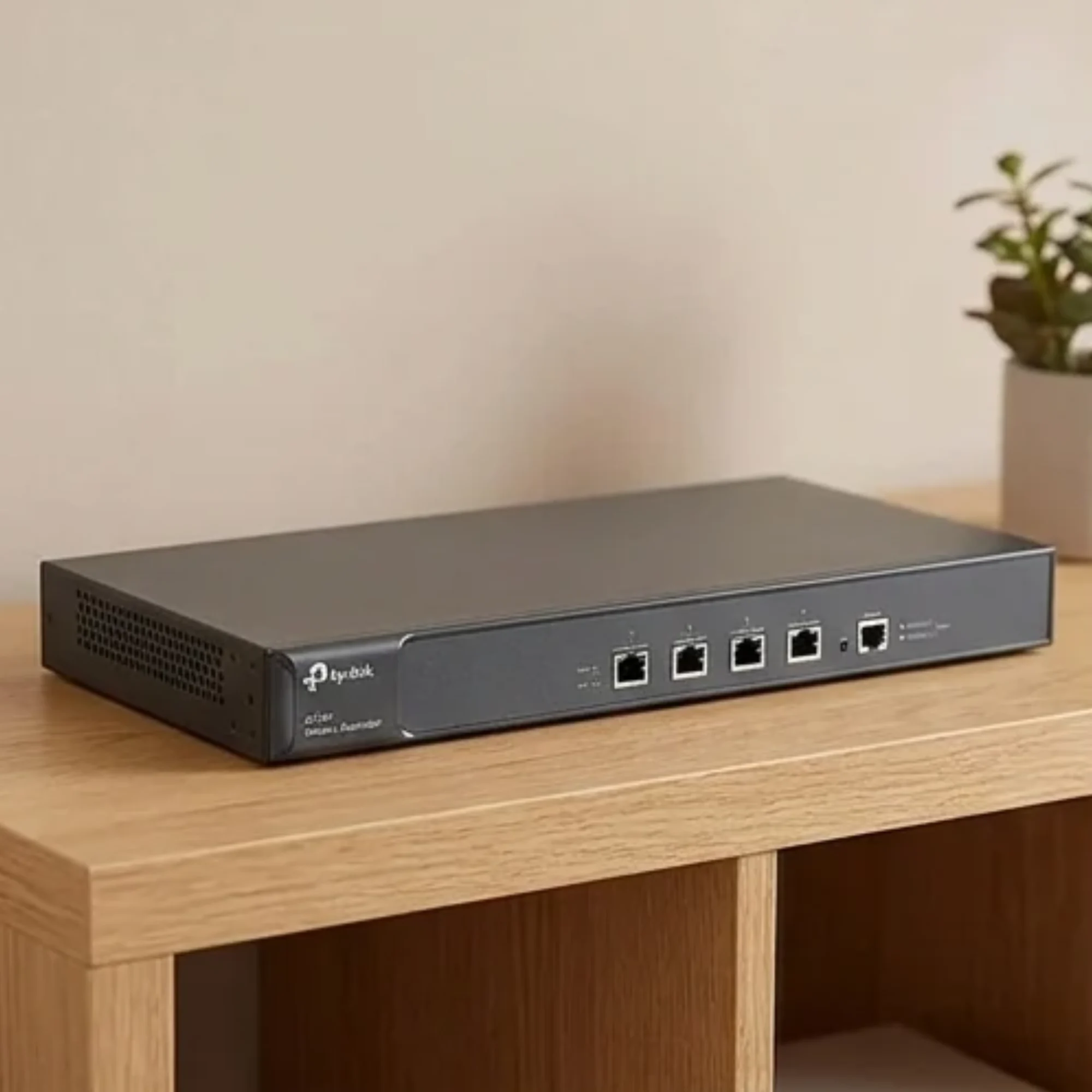
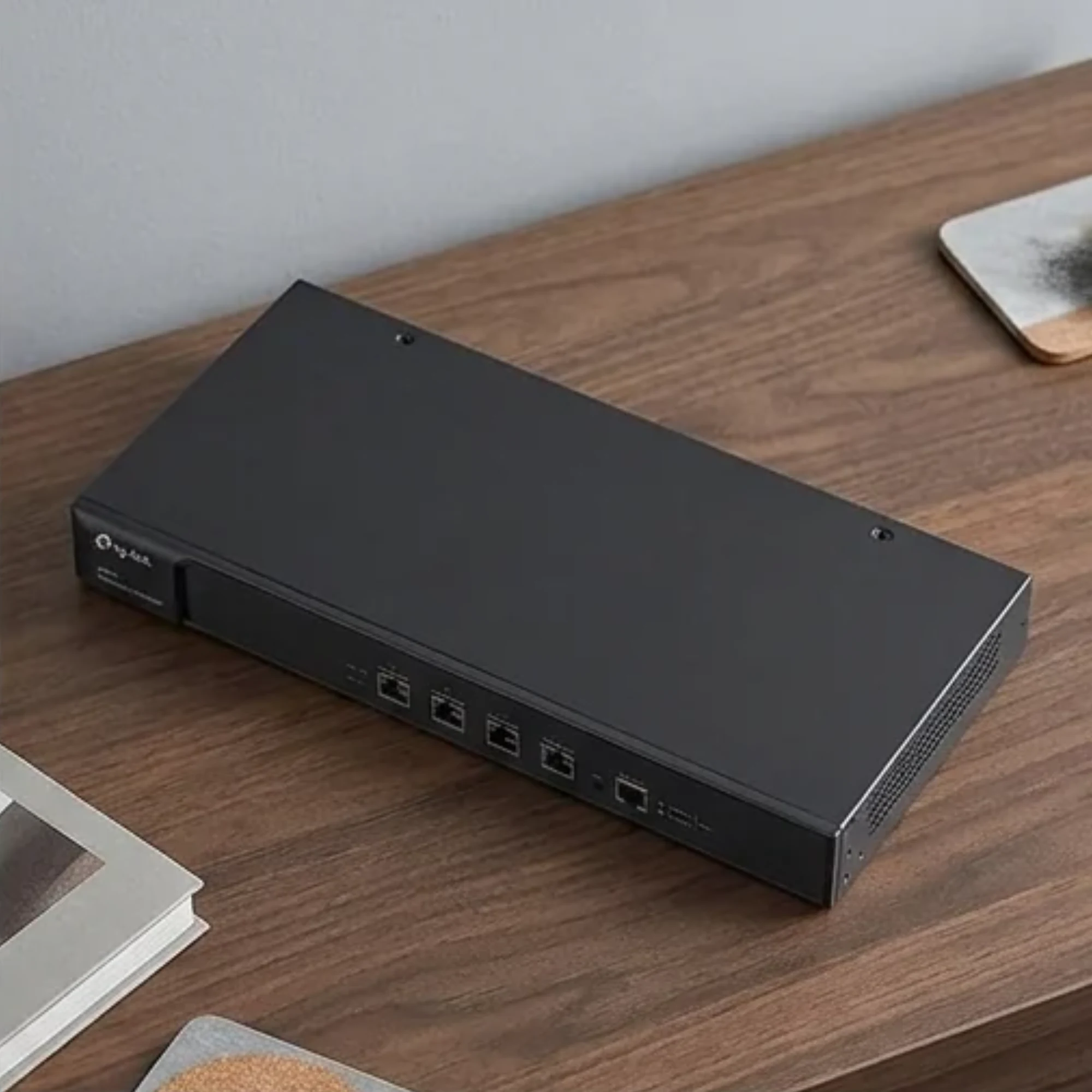
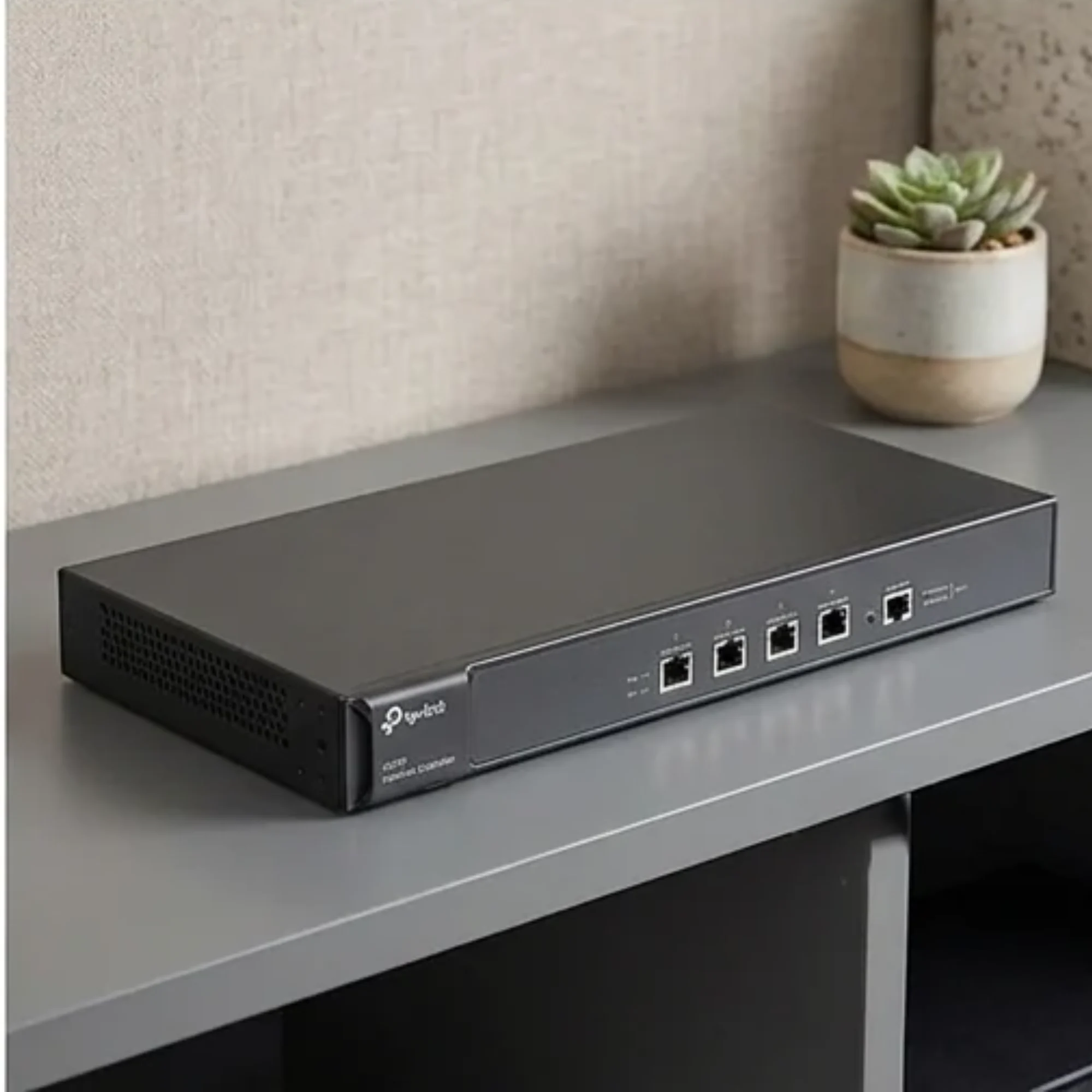
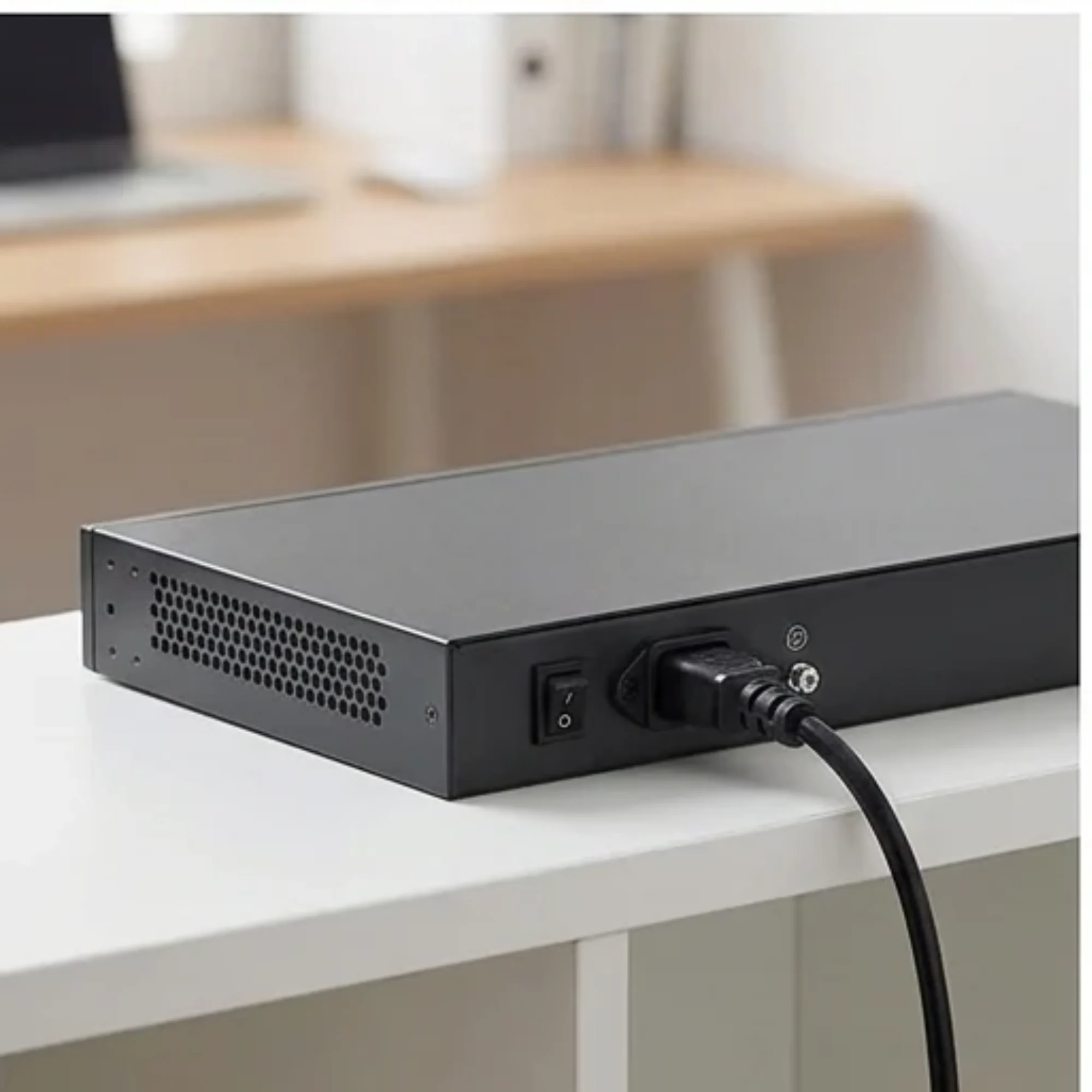
TP-Link AC500 Wireless Access Point Controller
You save ₹6,000
Inclusive of all taxes
✓ In Stock
Manage your wireless network more easily with the TP-Link AC500 Wireless Controller. It is designed to control and monitor multiple compatible TP-Link access points from a central platform. It is a suitable networking solution for hotels, offices, campuses and businesses that need organised Wi-Fi management across different areas.
Easy Returns
Secure Payment
Fast Delivery
Today's Offers
- Free delivery on orders of ₹300 or more
Delivery to your location
Returns & replacement
- 7-Day Return Policy: Returns are accepted within 7 days from the date of delivery.
- Unused Product: The product must be unused and in its original condition.
- Original Packaging: The item must be returned in its original packaging.
Product highlights
- Centralised management of multiple compatible TP-Link access points
- Wireless network configuration from one location
- Monitoring of connected access points and clients
- Network security management for business environments
₹9,699
₹15,699
Product details
The TP-Link AC500 Wireless Controller is designed to simplify the management of large wireless networks. It allows network administrators to configure, monitor and manage multiple compatible TP-Link access points from one central location. With centralised management, you can control wireless network settings, monitor connected access points and manage network performance more conveniently. It helps reduce the time and effort needed to maintain Wi-Fi networks across multiple rooms, floors or buildings. The AC500 supports features such as centralised access point management, wireless network configuration, client monitoring and network security management. It is designed for business environments where multiple access points are required to provide wireless connectivity. Whether you are managing Wi-Fi for a hotel, office, educational institution or commercial building, the TP-Link AC500 provides a convenient way to manage your compatible wireless access points.
Overview
The TP-Link AC500 Wireless Controller is designed to simplify the management of large wireless networks. It allows network administrators to configure, monitor and manage multiple compatible TP-Link access points from one central location. With centralised management, you can control wireless network settings, monitor connected access points and manage network performance more conveniently. It helps reduce the time and effort needed to maintain Wi-Fi networks across multiple rooms, floors or buildings. The AC500 supports features such as centralised access point management, wireless network configuration, client monitoring and network security management. It is designed for business environments where multiple access points are required to provide wireless connectivity. Whether you are managing Wi-Fi for a hotel, office, educational institution or commercial building, the TP-Link AC500 provides a convenient way to manage your compatible wireless access points.
Features
- Centralised management of multiple compatible TP-Link access points
- Wireless network configuration from one location
- Monitoring of connected access points and clients
- Network security management for business environments
Specifications
- Brand
- TP-Link
- Model
- AC500
- Type
- Hardware Network Controller
- Access point compatibility
- Compatible TP-Link access points
- Management
- Centralised access point management, wireless network configuration, client monitoring and network security management
- warranty type
- brand service center
- warranty
- 12 month
- SKU
- ac500-wireless-access-point-controller-DEFAULT
- GST
- 18.00% (included in price)
Safety
- Country of origin
- IN
Care
- Use the central management platform to monitor connected access points and clients.
Frequently asked questions
Which access points can the AC500 manage?
It is designed to manage compatible TP-Link access points. Specific compatible models are not listed.
Is a warranty included?
Warranty information is not provided.
What is in the box?
Box contents are not specified.