
How to Choose the Right Router for Your Home Size
Not sure which WiFi router is right for your home? This guide helps you pick the perfect router based on your home size, number of devices, and budget from compact flats to large bungalows.
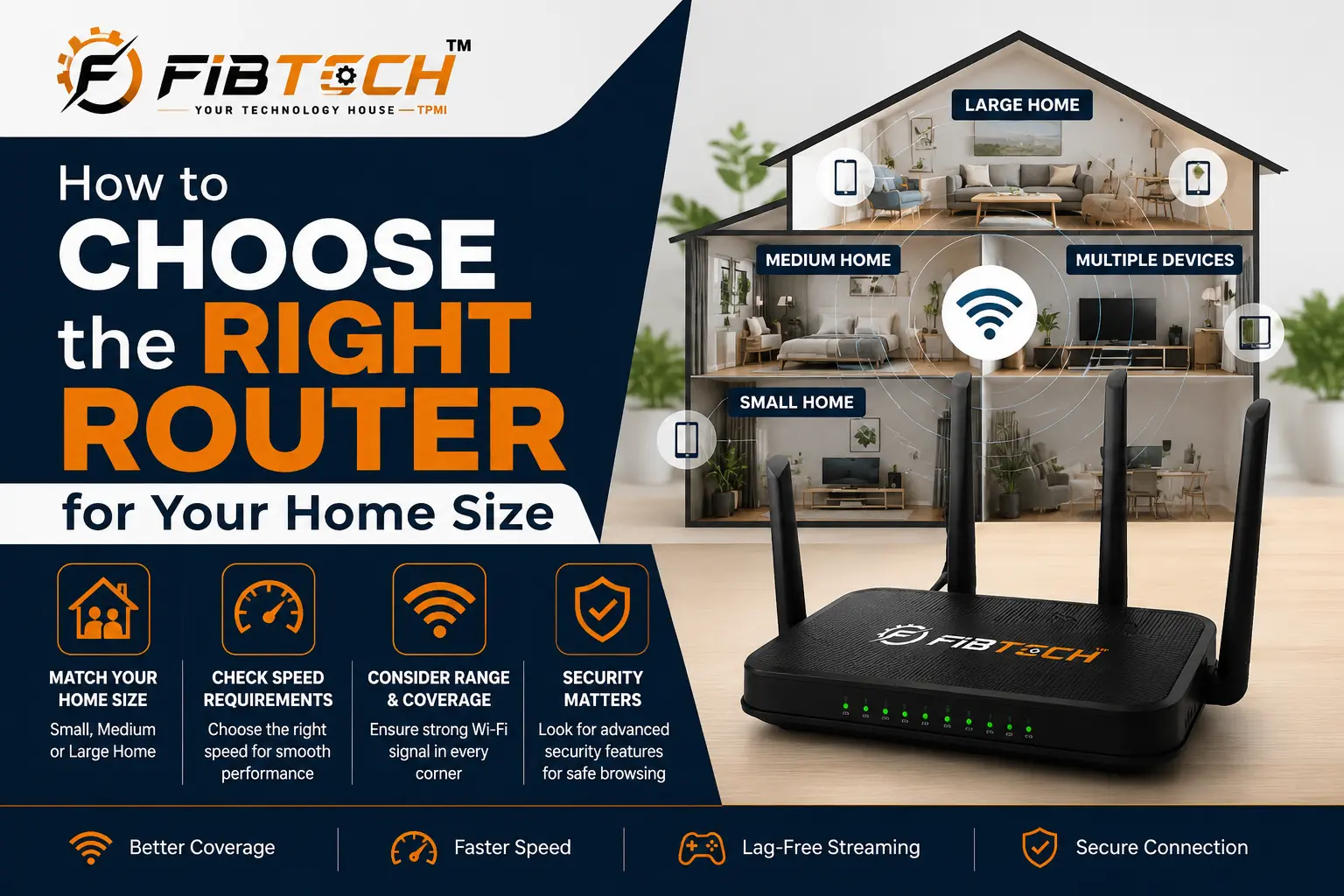
Buying a new router sounds simple — until you're staring at a shelf full of terms like AX1800, mesh system, dual-band, and Wi-Fi 6, wondering which one is actually right for your home. The truth is, the "best" router depends entirely on where you live and how many people use the internet daily. This guide breaks it down in plain language so you can make the right call without the confusion.
Why Home Size Matters When Choosing a Router
Most people buy a router based on price alone. That's usually a mistake. A budget router in a large house will leave you with dead zones in bedrooms and buffering during video calls. On the other hand, spending ₹20,000 on a high-end mesh system for a small 1BHK flat is simply unnecessary.
The right WiFi router for home starts with understanding your square footage, the number of floors, and how many devices connect daily — phones, laptops, smart TVs, security cameras, smart lights and more.
Small Homes: 1BHK to 2BHK (Up to 1000 sq ft)
If you live in a compact apartment or a small house, a single wireless router placed in the center of your home is more than enough. You don't need a mesh system or high-end tri-band hardware.
What you should look for is Wi-Fi 6 support, which handles multiple devices simultaneously without slowing down — even when everyone at home is online at the same time.
The TP-Link Archer AX23 AX1800 Dual-Band Wi-Fi 6 Router is a solid pick for smaller homes. It delivers AX1800 speeds, supports up to 1500 sq ft of coverage, and handles 25+ connected devices without breaking a sweat — all at a price point that won't hurt your wallet. If you're upgrading from an older router, the difference in speed and stability is immediately noticeable.
Best for: Studio apartments, 1BHK, 2BHK flats, single-floor homes
Medium Homes: 2BHK to 3BHK (1000–2500 sq ft)
In medium-sized homes with two or three bedrooms, signal drop-off in farther rooms starts becoming a real problem with a single router. Thick walls, multiple floors, and a higher number of connected devices demand more from your network.
Here, you want a router that supports MU-MIMO (which allows multiple devices to receive data simultaneously) and beamforming (which directs the WiFi signal toward your devices rather than broadcasting it randomly in all directions).
A dual-band router with AX3000 or higher speeds will handle everything from 4K streaming and online gaming to video conferencing without any lag.
Large Homes: 3BHK and Above (2500+ sq ft)
If you have a large bungalow, villa, duplex, or a home with multiple floors, a single router — no matter how powerful — simply cannot provide consistent coverage throughout the entire space. Dead zones are inevitable without a proper solution.
This is exactly where a whole-home mesh WiFi system becomes the right choice. Unlike traditional WiFi extenders that create a second separate network (and force your phone to manually switch), a mesh system creates one seamless network across your entire property. You walk from room to room and the signal follows you automatically.
The TP-Link Deco X50 AX3000 WiFi 6 Mesh System (3-Pack) is purpose-built for large homes. Three nodes working together cover up to 6500 sq ft with consistent AX3000 speeds, support for 150+ devices, and built-in AI mesh that intelligently adapts to your home's layout. It's the kind of setup where buffering simply stops being part of your life.
Best for: Large independent houses, duplexes, villas, multi-floor homes, offices
Key Things to Check Before Buying a Home WiFi Router
Beyond home size, keep these factors in mind while making your decision:
Number of connected devices — Count every phone, laptop, smart TV, tablet, and smart home device. If you have 20+ devices, go for AX3000 or higher.
Wi-Fi 6 vs older standards — Wi-Fi 6 (AX) handles crowded networks far better than older AC or N routers. It's worth the investment even if your current devices don't fully support it yet, because future devices will.
Single router vs mesh — For homes under 1500 sq ft, a single powerful router is fine. Anything larger, seriously consider a mesh system.
ISP speed — If your broadband plan is 100 Mbps or above, make sure your router can actually handle and distribute that speed to all devices without bottlenecking.